

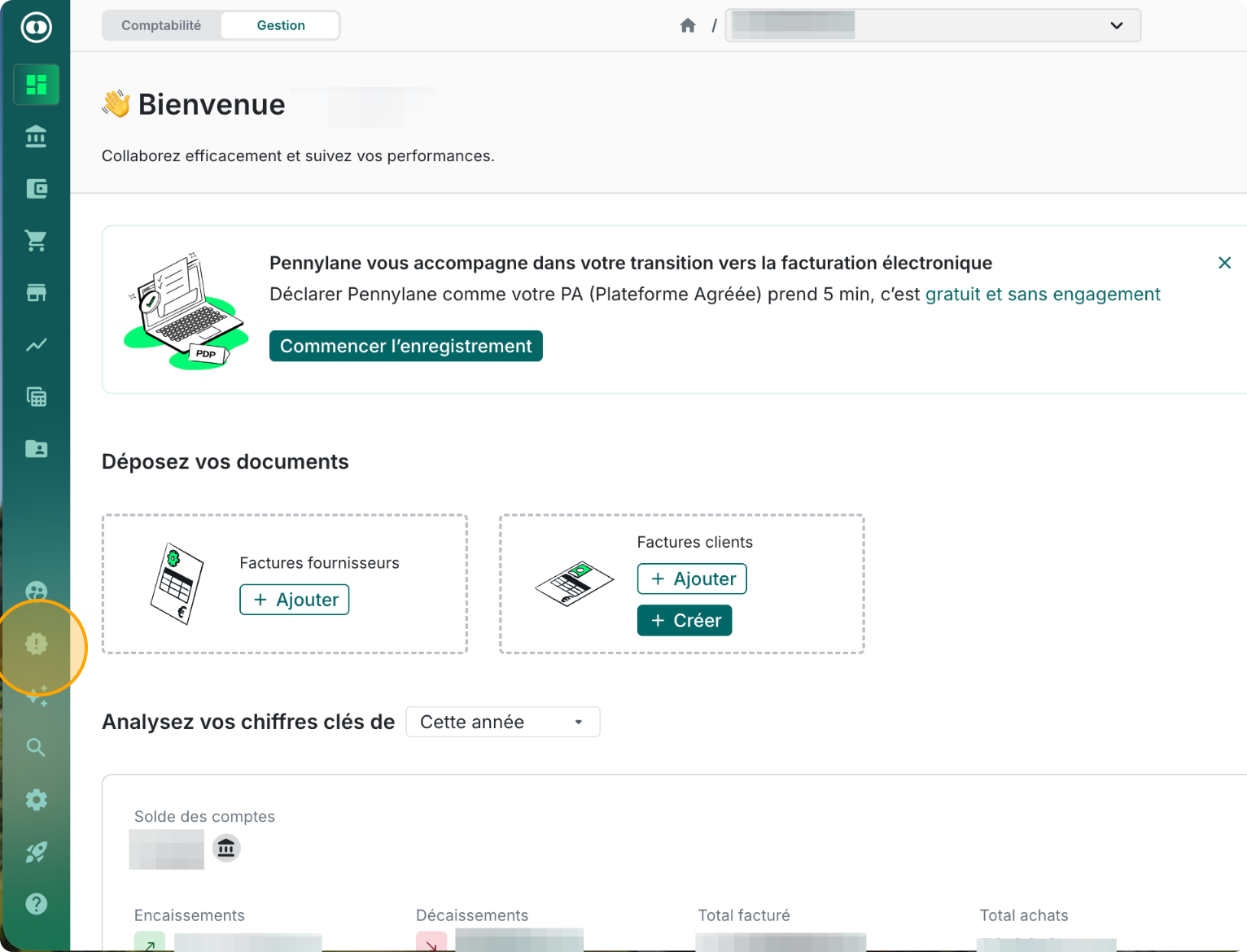
Step 1 - Open the Settings menu from the left sidebar
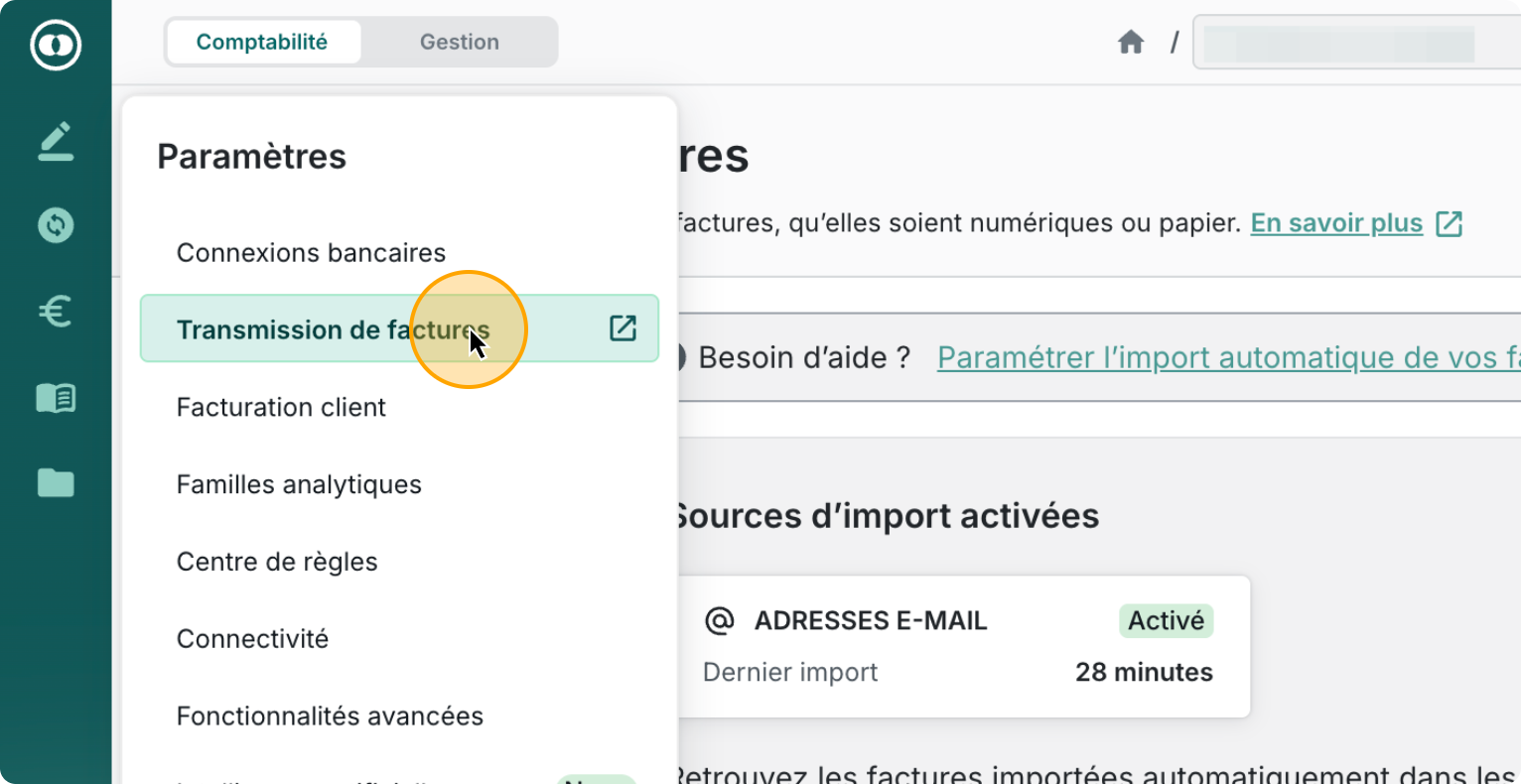
Step 2 - Click on “Invoice transmission”
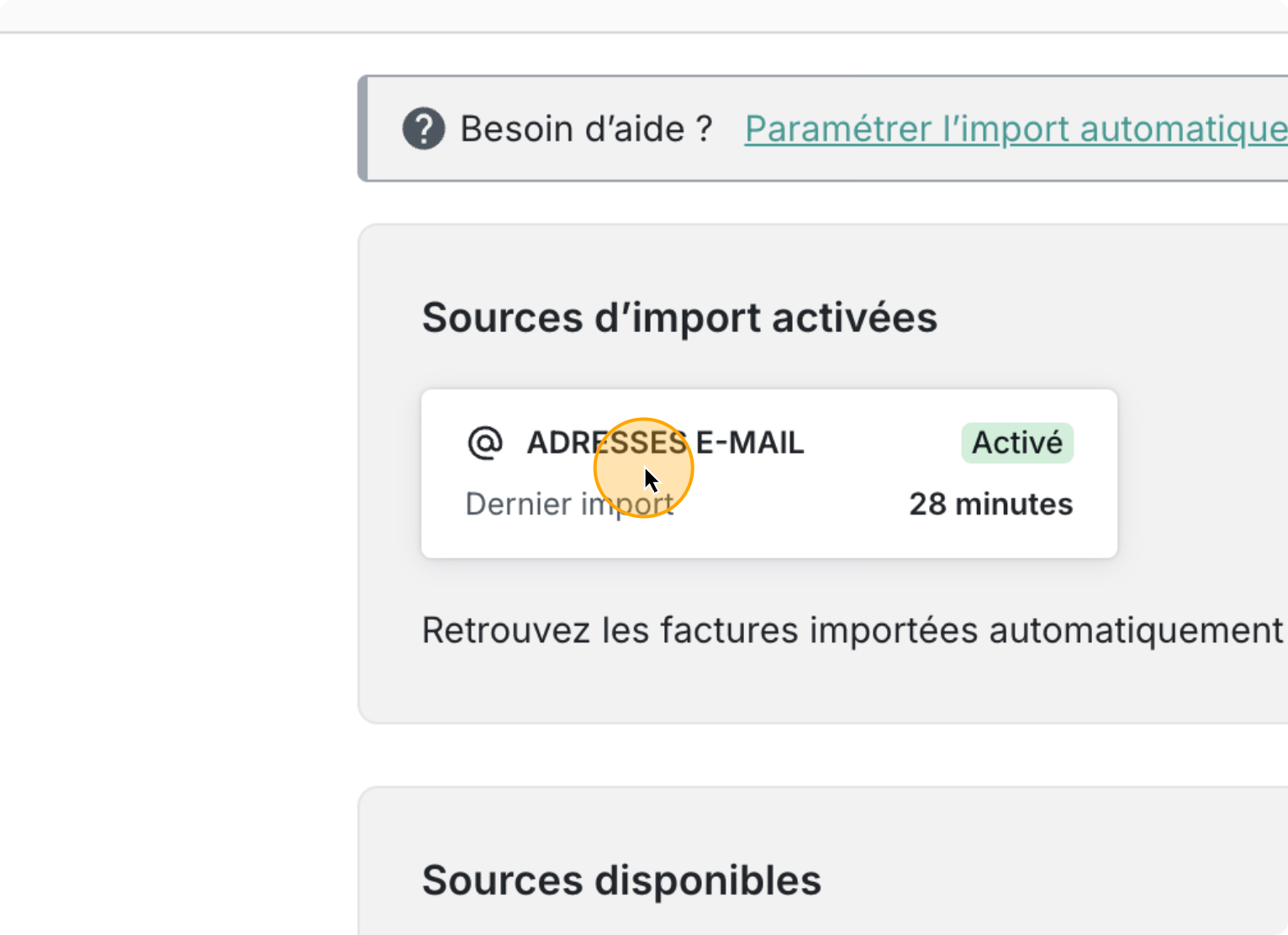
Step 3 - In the available transmission methods, select “Email addresses”
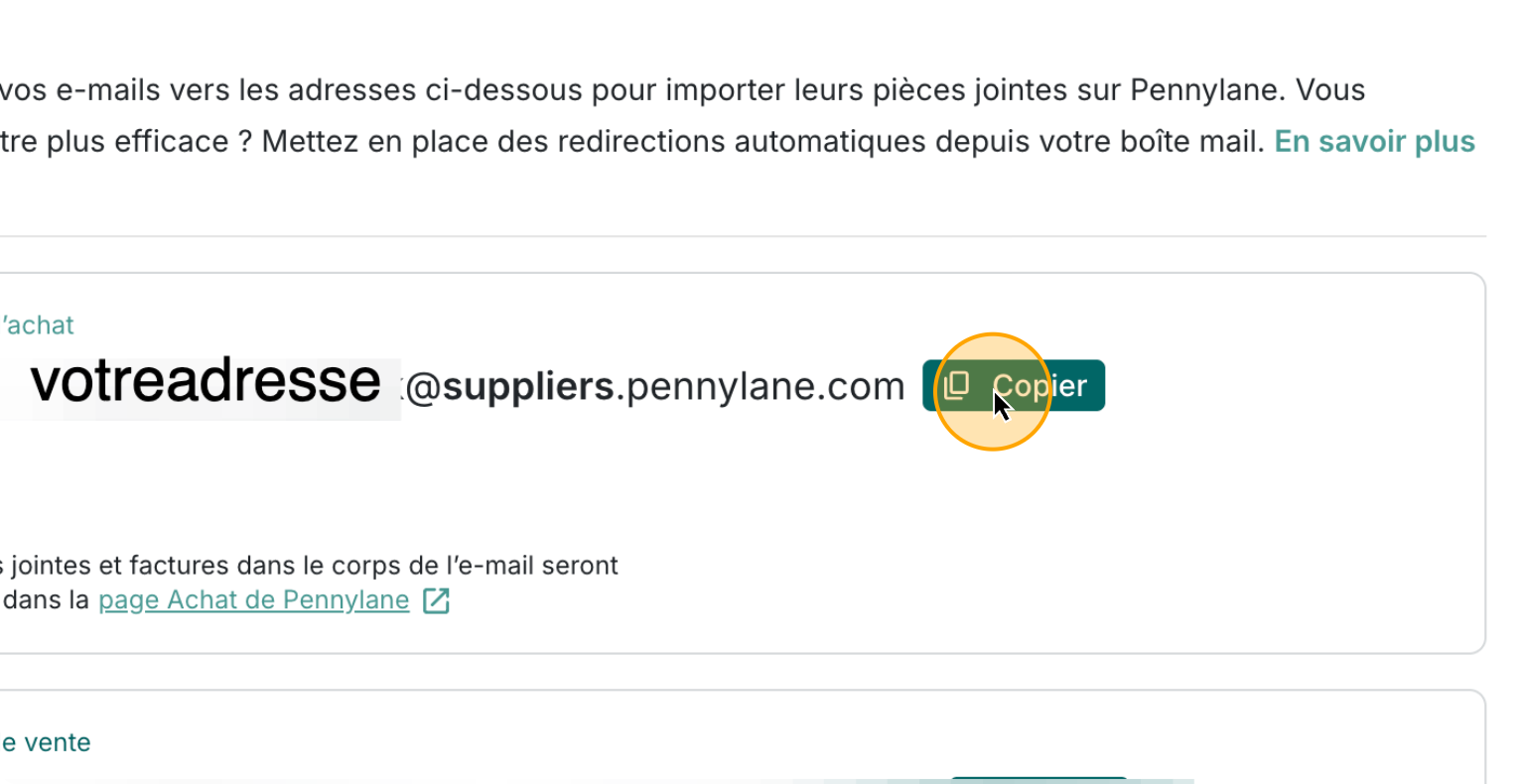
Step 4 - Copy your dedicated Pennylane email address
It typically looks like:
[email protected]
Step 5 - Paste the Address Into Sanso
Go back to your Sanso Email AutoCollect setup and paste this Pennylane forwarding email into the field email in two possible places
During onboarding
Paste the Pennylane forwarding email into the Email field:
From your dashboard
If you’re already onboarded, you can update the forwarding email directly from the "Finance Tool" settings.